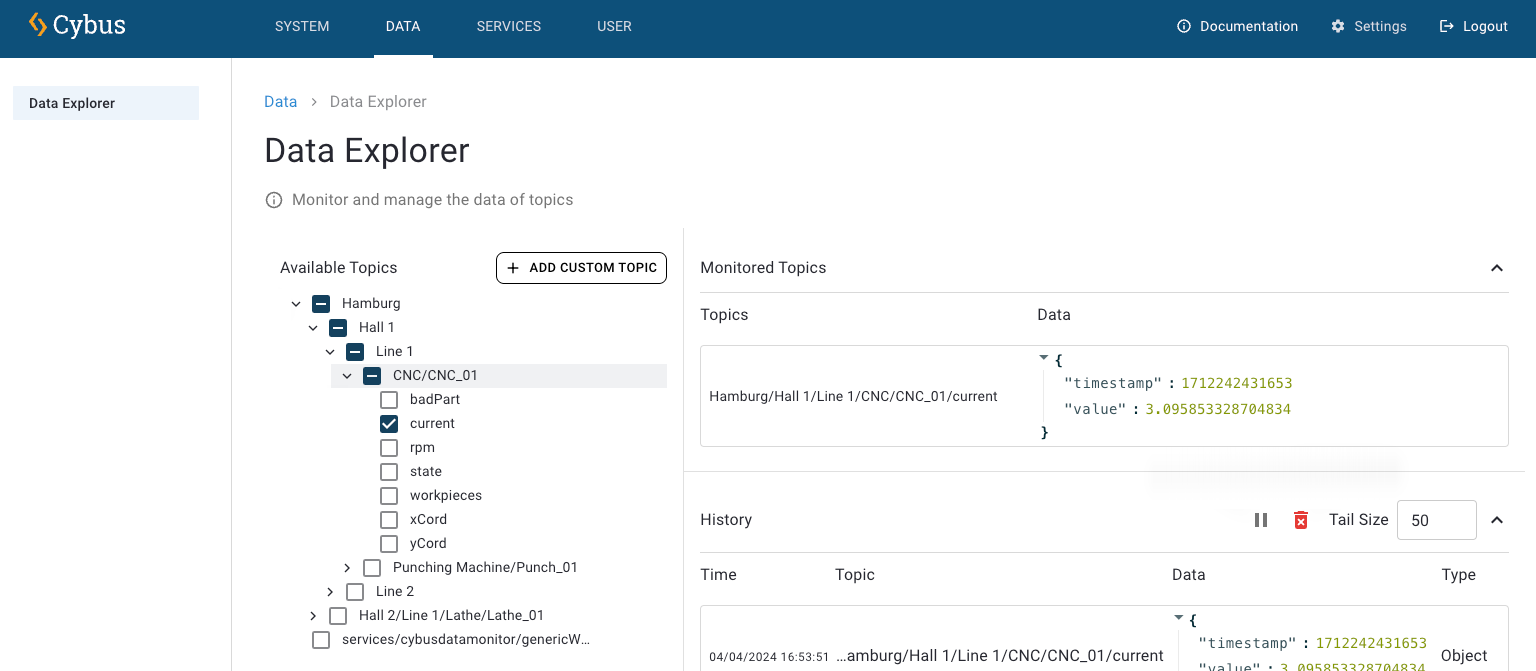
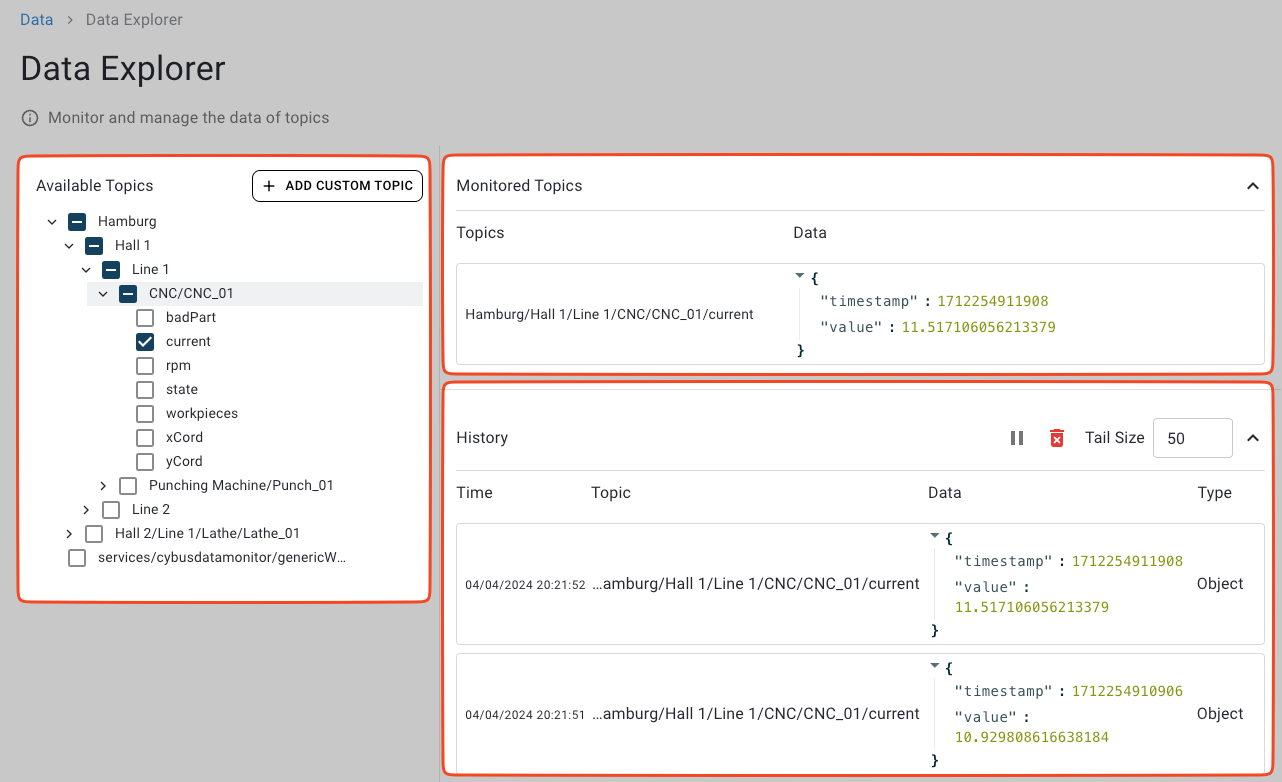
Overview of Data Explorer sections: Available Topics, Monitored Topics, and History.
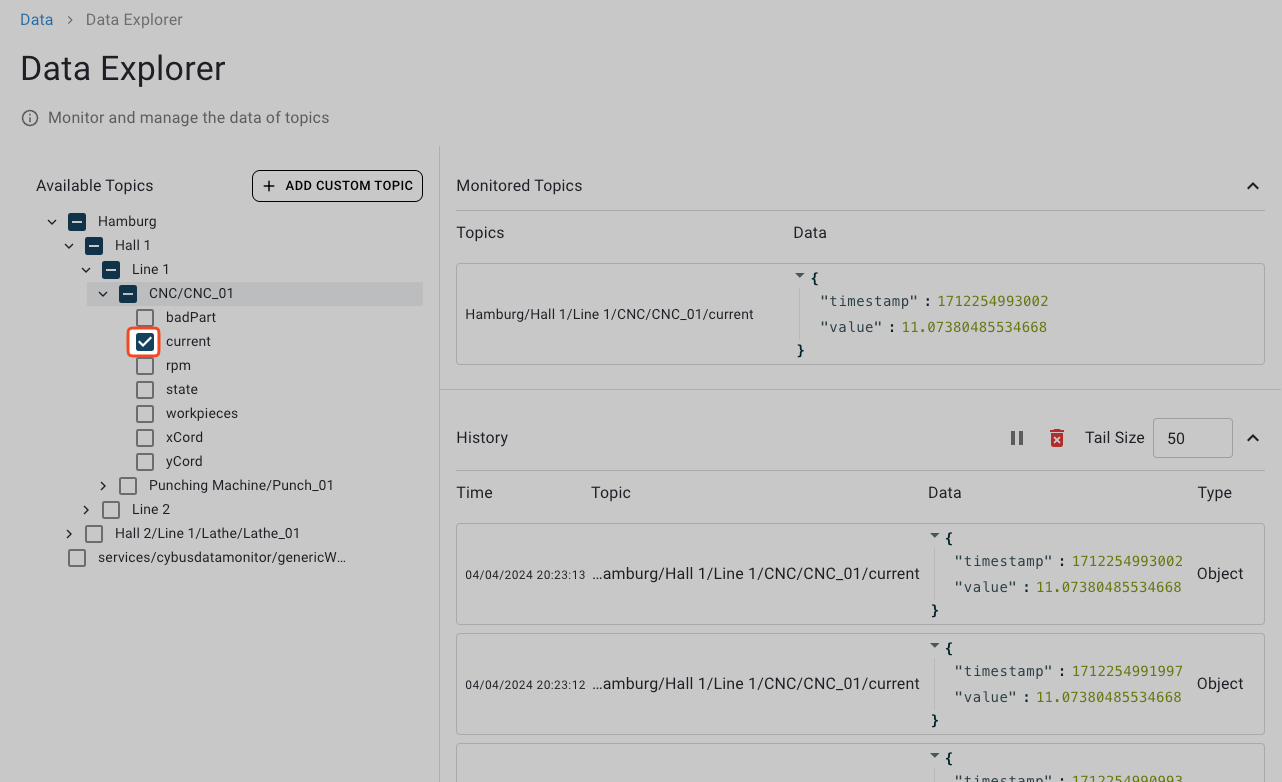
Available Topics section showing hierarchical topic tree.
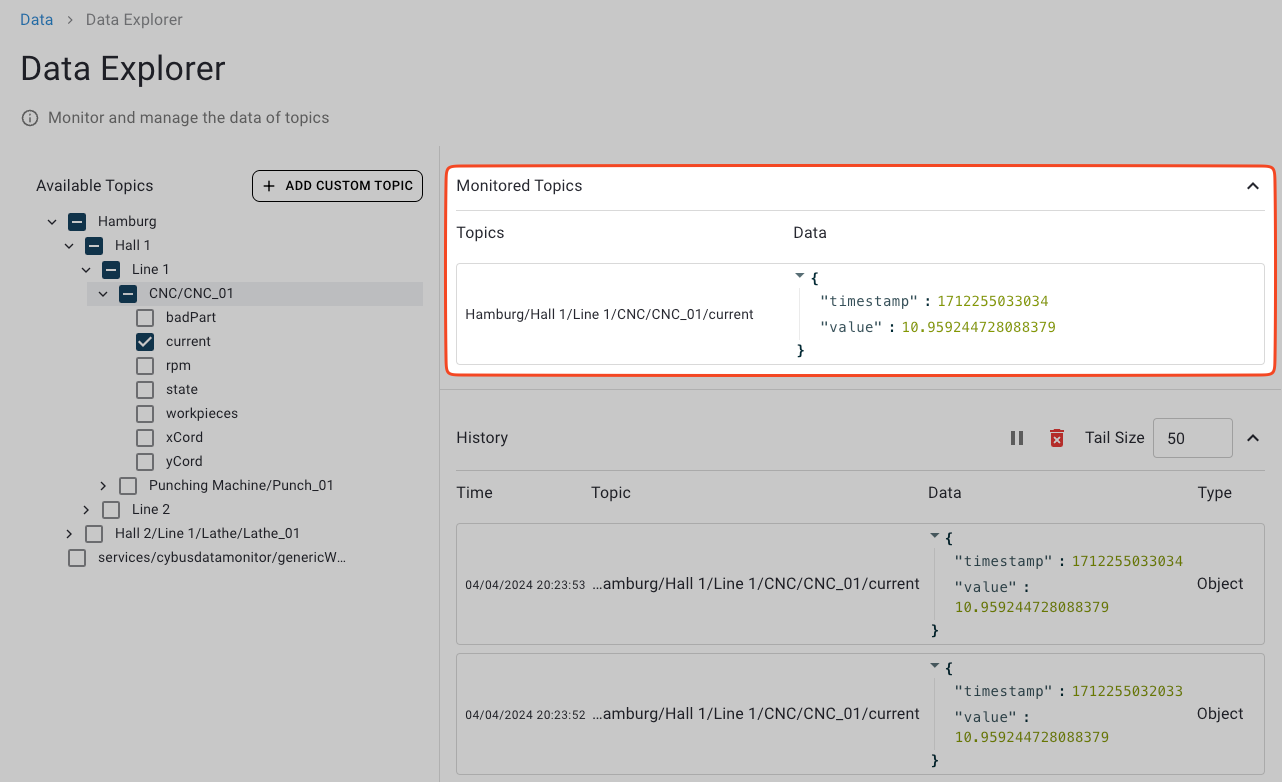
Monitored Topics section displaying latest values for selected topics.
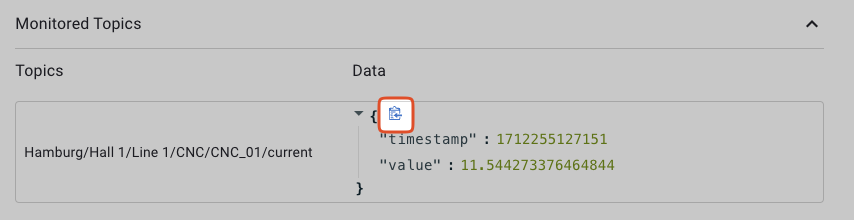
Clipboard icon appears for JSON objects to enable easy copying.
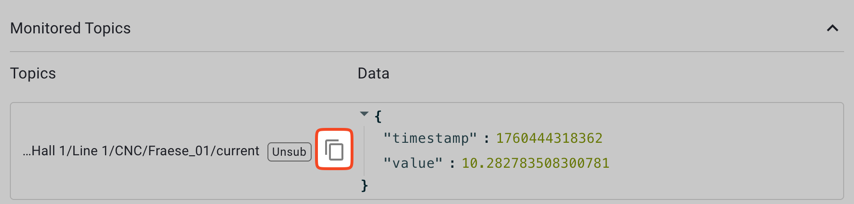
Clipboard icon appears for topic paths to enable easy copying.
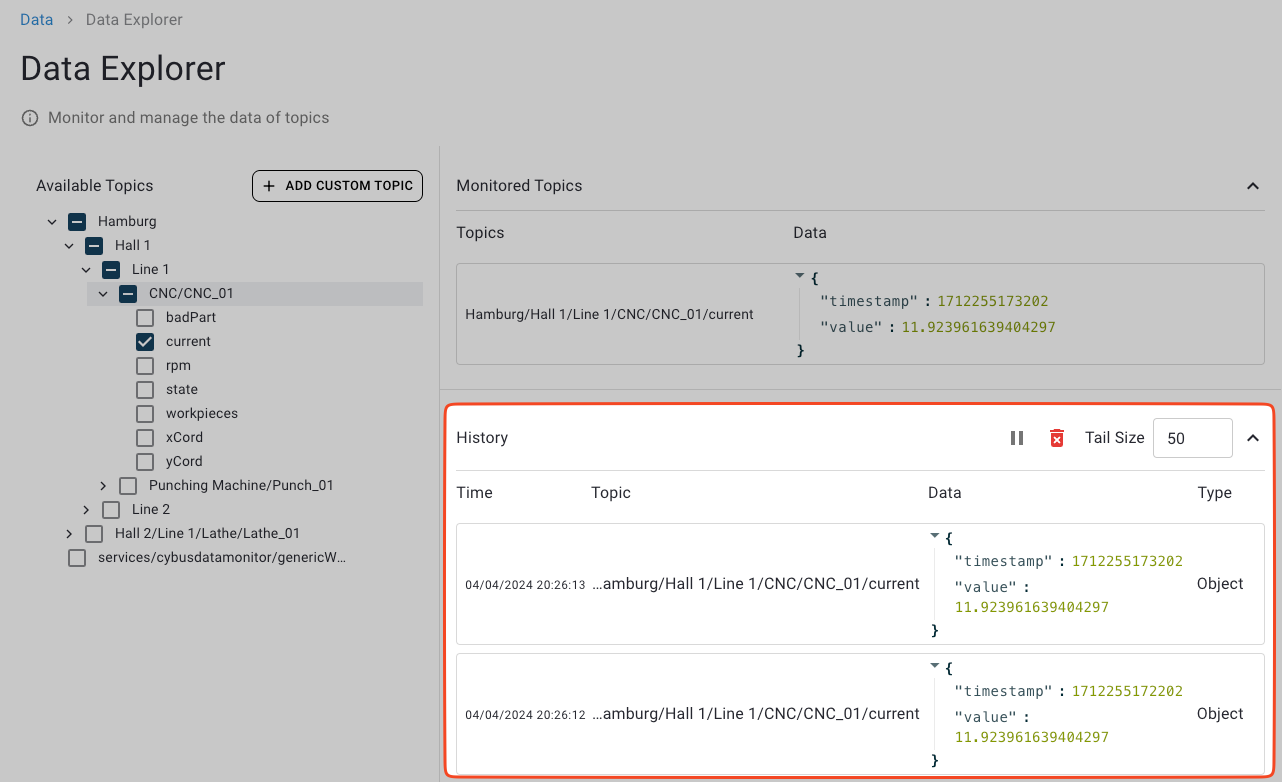
History section showing log of monitored topics.