# Deviations
## What is a Deviation?
A **deviation** occurs when at least one resource of a service does not reach its **target state** after the service is enabled. When you [enable a service](https://docs.cybus.io/2-0-6/documentation/services/setting-up-and-configuring-services/enabling-services), its resources are expected to transition from disabled to enabled (or to another state defined in the service commissioning file). The service commissioning file specifies all resources and the states they must reach for the service to function correctly.
If issues such as hardware faults, network outages, or misconfiguration prevent resources from reaching those states, the service is marked as **deviated**. A single out-of-state resource is enough for the entire service to be considered deviated.
## Where to See Deviations in the Admin UI
You can find services whose actual states differ from their expected states in several places:
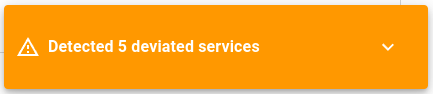
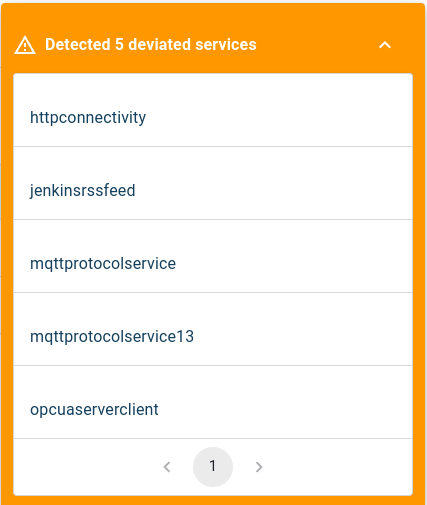
* **Deviations notification:** When a deviation occurs, a pop-up appears in the Admin UI. Click the down arrow to expand the panel and see all currently deviated services.
Deviation notification
Expanded Deviation notification showing state discrepancies
* **Deviated Services view:** Go to **Services** → **Deviated Services** for a consolidated list of all deviated services. The overview shows **Service ID**, **Name**, **Version**, and the number of **Deviated Resources** per service.
* **Deviations tabs across the Admin UI:** Deviation status and details are also available in:
* The [Service Overview](https://docs.cybus.io/2-0-6/documentation/services/service-overview).
* The [Service Details view](https://docs.cybus.io/2-0-6/documentation/services/service-details-view) for individual services.
* The [Resources](https://docs.cybus.io/2-0-6/documentation/services/service-resources-view) lists of an affected service.
## Inspecting Deviated Resources
To see exactly which resources are causing a deviation:
1. Open any of the [locations](#where-to-see-deviations-in-the-admin-ui) above where deviations are shown.
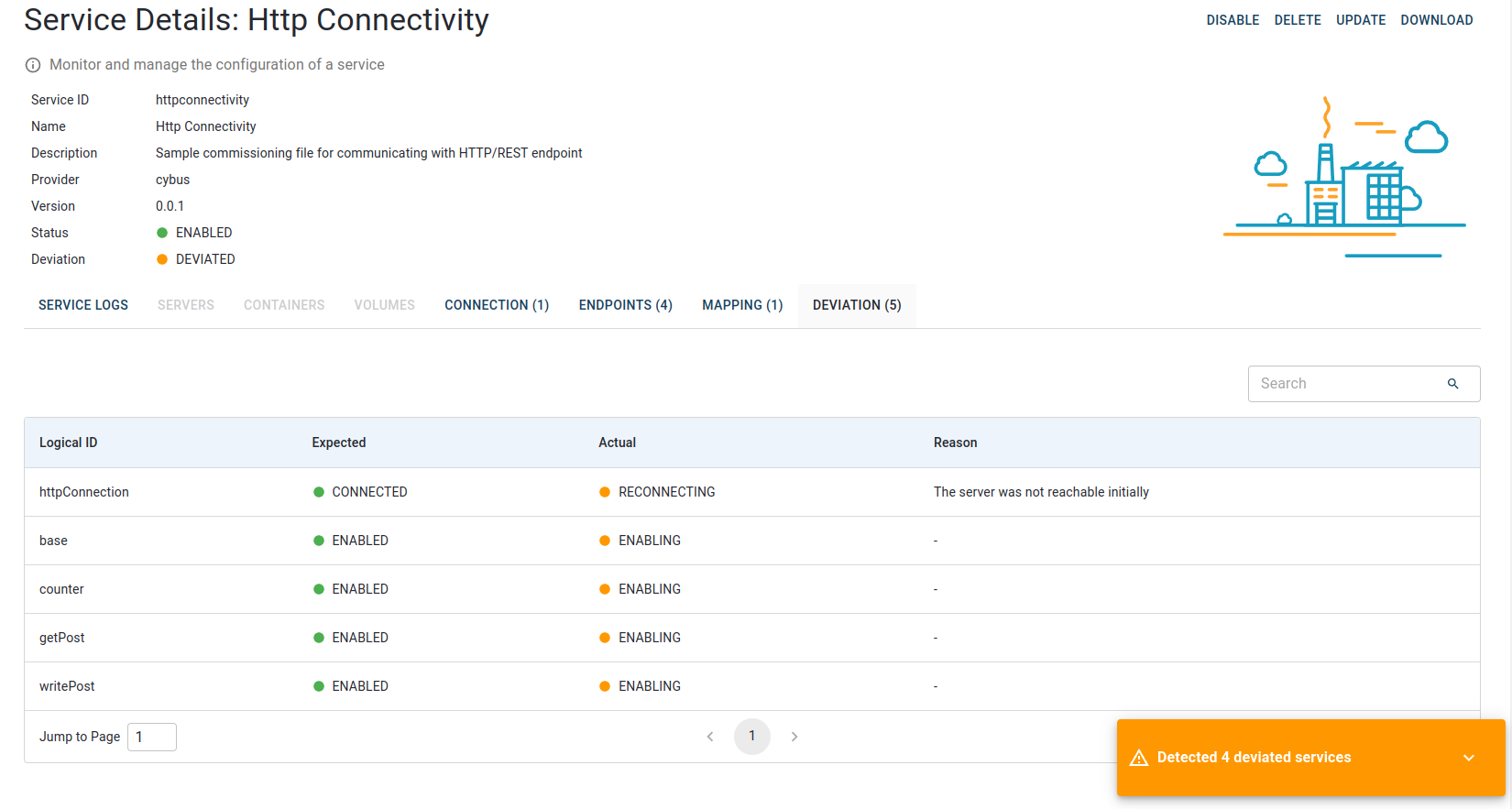
2. Review the comparison between expected and actual states for each resource
Deviations tab displaying expected vs. actual status for each deviated resource
## Resolving Deviations
When addressing deviations, working through the following checklist is a good practice:
1. **Identify the root cause**
* **Hardware:** Device powered on? Correct port/cabling? Any faults or alarms?
* **Network:** Reachability, DNS, routing, firewall rules, required ports open.
* **Configuration:** Credentials, certificates/keys, endpoints, topics/paths, resource parameters match the service commissioning file.
* **Dependencies:** Upstream resources healthy (connections, adapters, brokers, PLCs, etc.).
2. **Fix the underlying issue**
* Update configuration values that are wrong or outdated.
* Restore connectivity or replace faulty hardware.
* Correct dependency order or bring prerequisites online first.
3. **Verify and re-enable**
* Re-enable the service to trigger the state transition. See [Enabling Services](https://docs.cybus.io/2-0-6/documentation/services/setting-up-and-configuring-services/enabling-services).
* Confirm all resources reach their target state and that the deviation indicator clears.
{% hint style="info" %}
If a deviation persists after remediation, capture details (affected resources, error messages, recent changes) and escalate to your system administrator for further troubleshooting.
{% endhint %}