# Enabling Services
After uploading a service commissioning file, you must enable each configured service in the Admin UI.
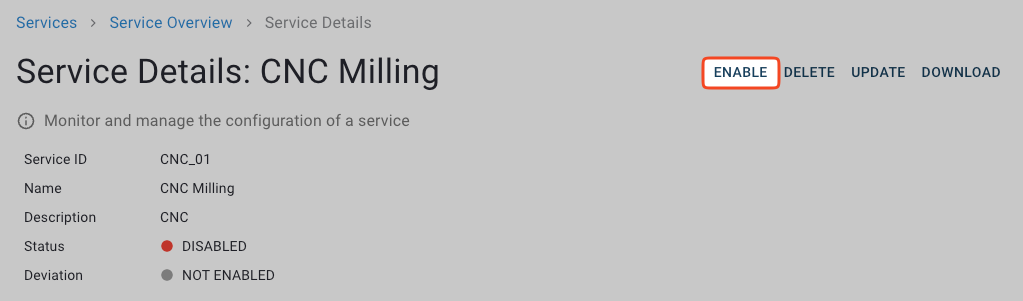
1. In the **Services** view, click the service that you want to enable to open its **Service Details** view.
2. In the upper right corner, click **Enable**.
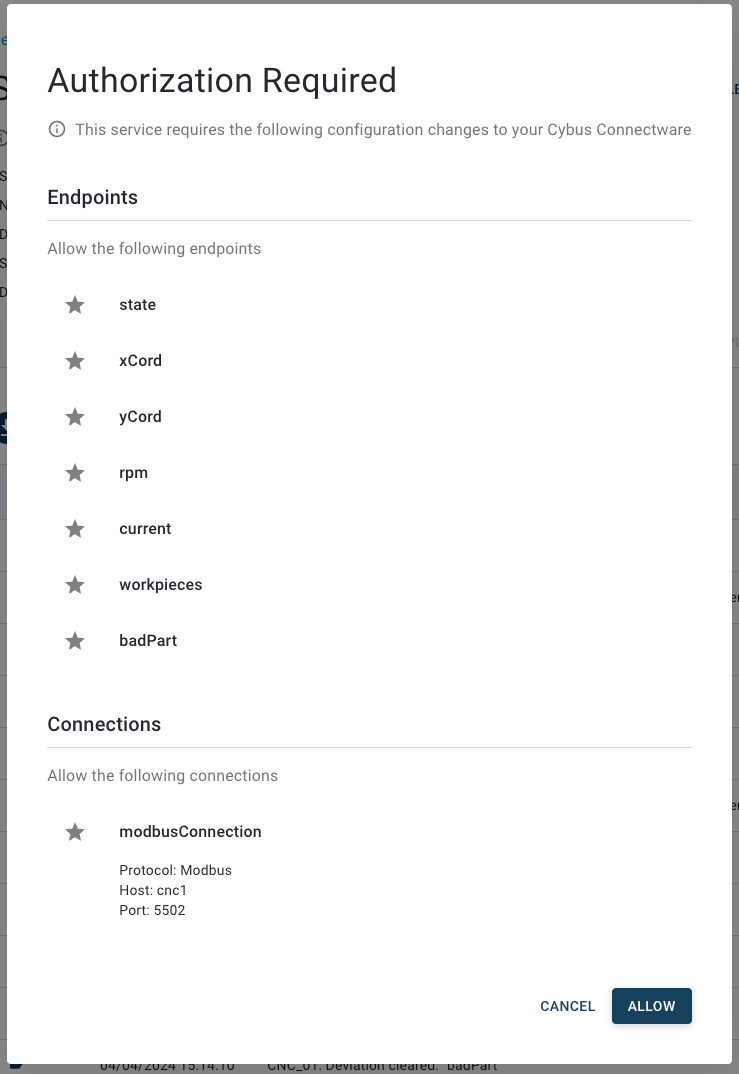
3. The **Authorization Required** dialog displays the resources that the service must access. Review the requirements, then click **Allow**.
The service shows **Enabling** at the status while creating all resources specified in the service commissioning file. Once complete, the status changes to **Enabled**.
4. Select the **Live Data** tab to get insights into topic activity, message content, and associated resources of your service. For more information, see [Live Data](https://docs.cybus.io/2-0-6/documentation/monitoring/live-data).
{% hint style="warning" %}
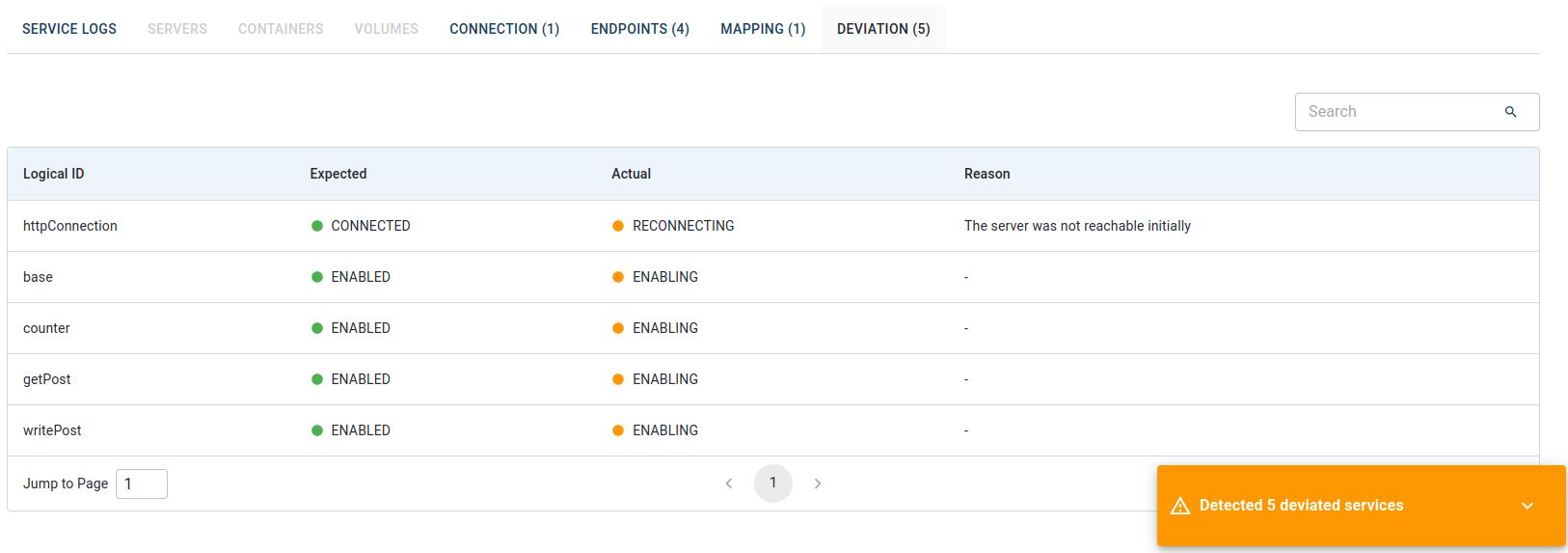
If a service does not work as expected, it may have a deviation. Check the [Deviation](https://docs.cybus.io/2-0-6/documentation/services/deviations) tab to see all deviated services.
{% endhint %}
## Troubleshooting
### Invalid Service Commissioning Files
If a service commissioning file with invalid resources, references, or other defects is installed, it will fail to be enabled and will result in the service being deviated.
If this happens, manually reinstall the previous working version of the service commissioning file. Keep backups of stable versions so they can be restored when needed.
To prevent such issues, it is recommended to validate your service commissioning files before installation and maintain backups of working configurations.