# Updating Services
You can modify a service by either uploading an updated service commissioning file or reconfiguring its parameters in the Admin UI.
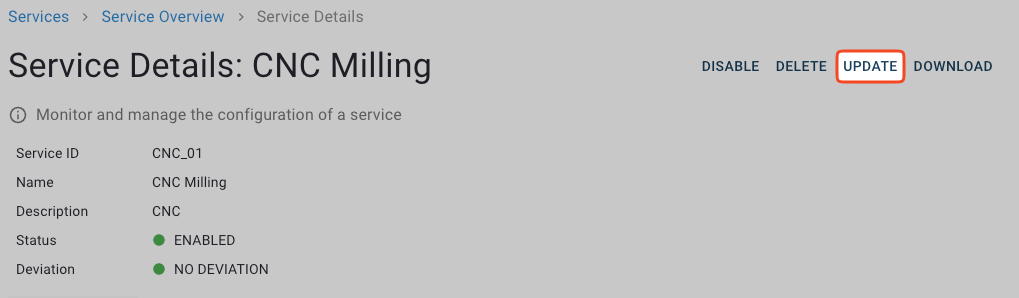
1. In the **Service Details** view of the service that you want to update, click **Update**.
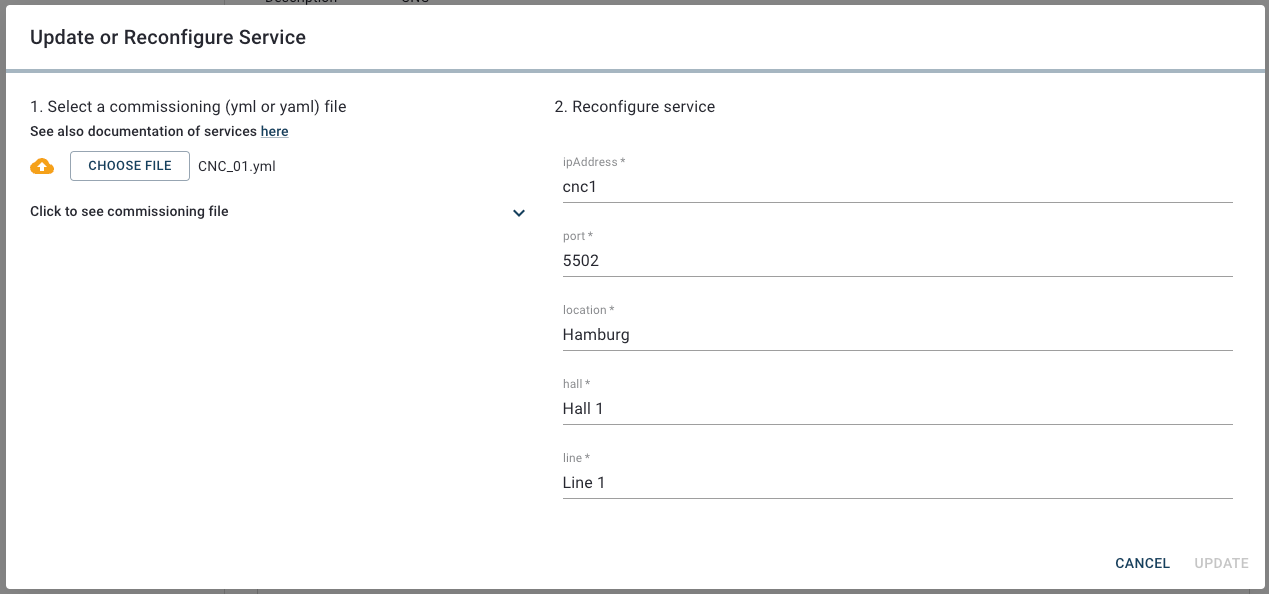
2. In the **Update or Reconfigure Service** dialog, do one of the following:
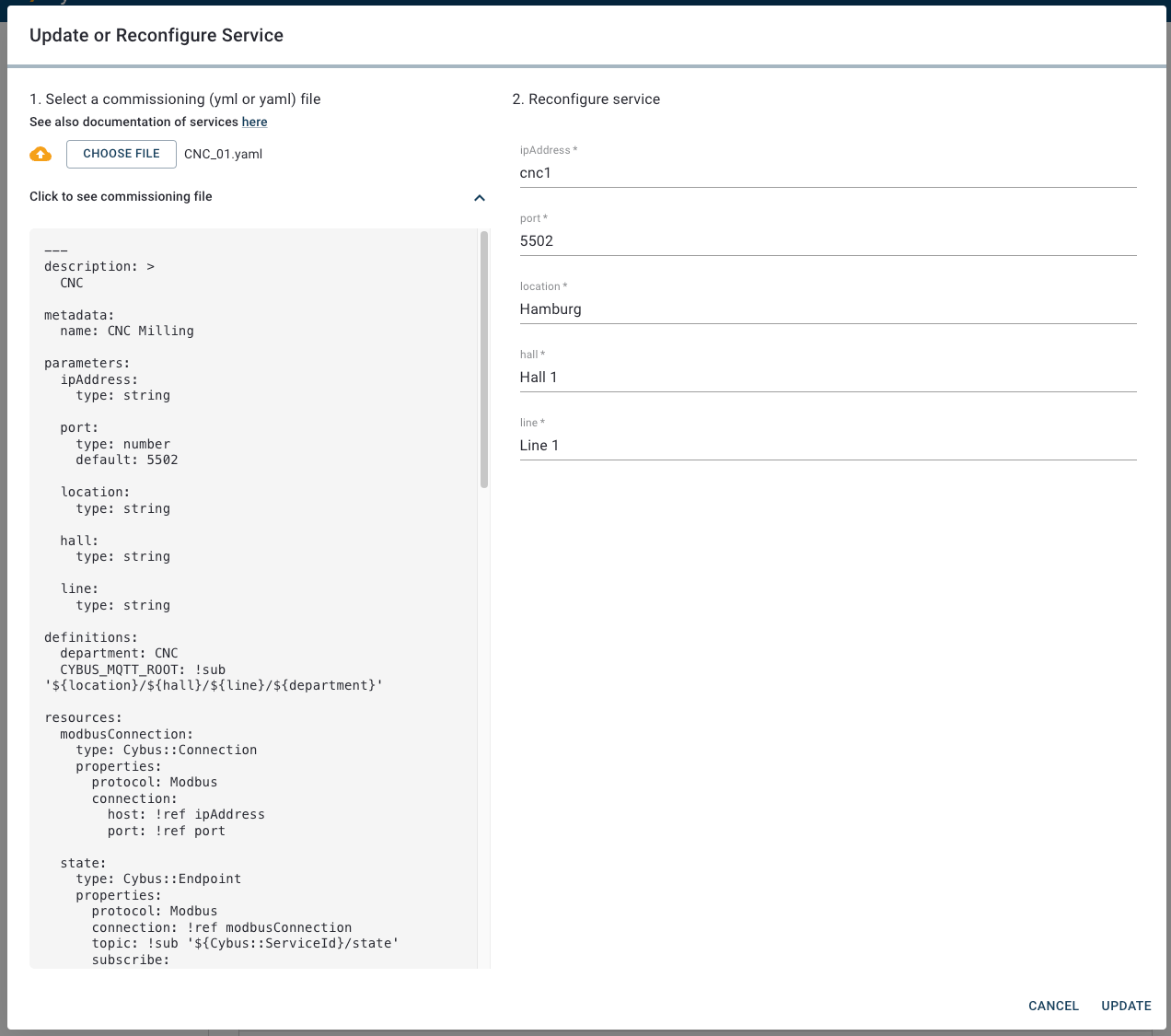
* **Upload a service commissioning file**: Click **Choose File**, select the updated service commissioning file in the file browser, and click **Open**.
* **Edit parameters in the Admin UI**: In the **Reconfigure service** section, edit the parameters as needed. Some fields may show default values, depending on the service.
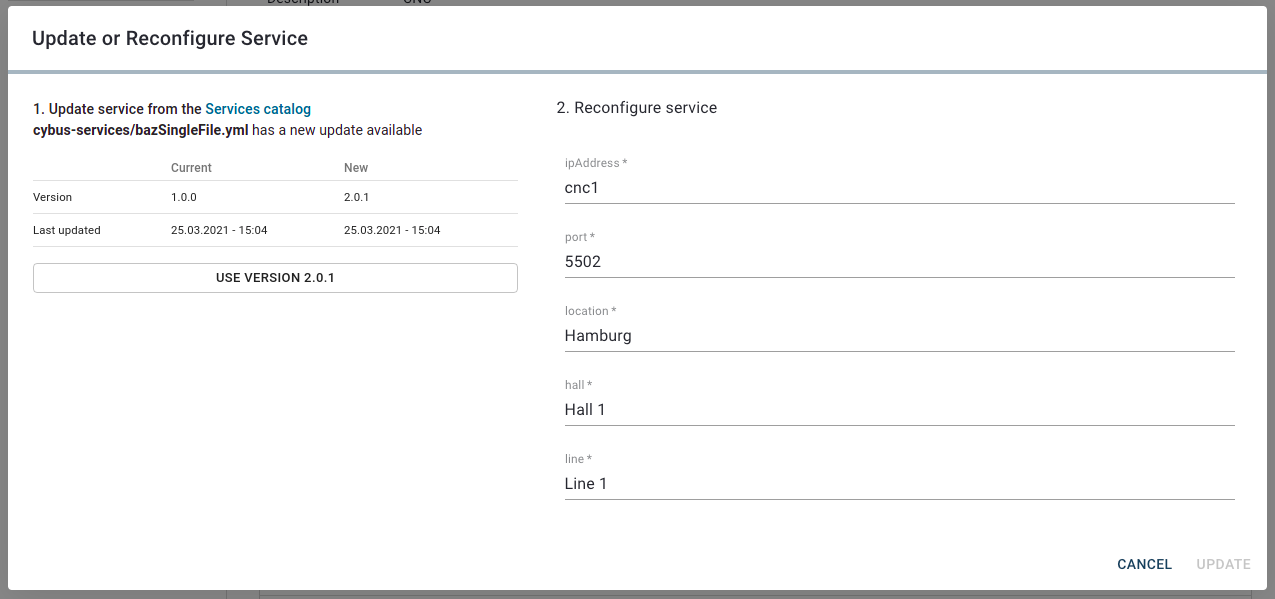
* **If the service came from the Services Catalog**: The **Update or Reconfigure Service** dialog shows the available versions. If a newer version is available and you want to upgrade, select **Use version** (the latest version number).
Version selection for services installed from the Services Catalog
3. If the service contains configurable parameters, customized values for the parameters can be entered in the right part of the window.
4. Click **Update** to apply your changes.
Result: The service status will temporarily change to **Updating**, then revert to its original state (**Enabled** or **Disabled**).
{% hint style="info" %}
If the updated configuration is invalid, the service is not updated and the previous configuration is restored.
{% endhint %}